Regular recipient
If the recipient has already received USDT TRC20 before, transfers usually need around 64-65k Energy, which is about 6.4-6.5 TRX without rental.
Usually your TRON wallet asks for TRX before sending USDT. Those TRX get burned as a network fee. LowFeeTRXBot connects Energy to your sender address for 1 hour, so the same transfer is cheaper while you still sign the transaction in your own wallet.
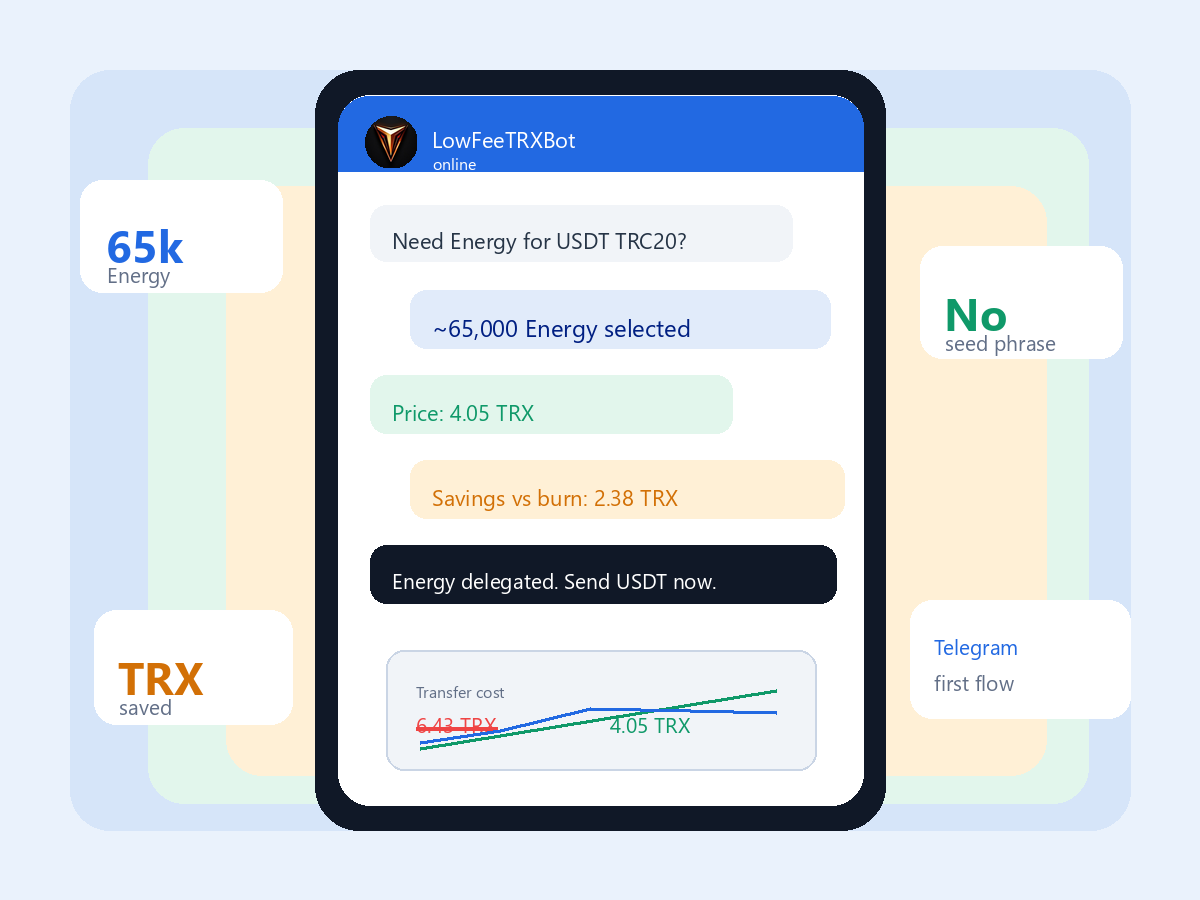
Compare two options side by side: TRX fee without Energy and fee through LowFeeTRXBot. In most cases, USDT size does not change the fee significantly.
USDT TRC20 is a smart-contract action. TRON asks for Energy to run it. If the sender address has no available Energy, the network converts this requirement into TRX and burns it.
If the recipient has already received USDT TRC20 before, transfers usually need around 64-65k Energy, which is about 6.4-6.5 TRX without rental.
If the recipient accepts USDT for the first time, extra network setup is required. This usually pushes usage to around 130k Energy, or about 13 TRX.
Fee is driven by the operation itself, not by transfer size. Small and large USDT transfers can cost close to the same fee.
The bot is simple: it estimates required Energy, shows savings, and delegates it to your sender address. You keep control of funds and keys in your wallet.
Enter sender and recipient addresses. The bot then identifies whether it is a regular or first-time USDT recipient transfer.
The bot shows TRX burn without Energy, cost with rental, and expected savings.
Energy is delegated for 1 hour. Open your wallet and sign the USDT transfer as usual.
Energy helps when you control the sender address and sign the transfer yourself. It does not replace fees charged by exchange withdrawal systems.
Common case: you have USDT ready, but the wallet asks for TRX fee. Energy can be connected to the sender address so transfer cost is lower.
Useful for people moving USDT often and wanting to avoid spending TRX on each transfer.
Not for Binance, Bybit, OKX, or other exchange wallets. Exchanges charge their own withdrawal fee.
The details that usually create confusion around USDT TRC20 fees and TRON Energy.
No. The bot only needs your public TRON address. You sign the USDT transfer in your own wallet.
Energy is a network resource for TRON smart-contract actions like USDT TRC20 transfers. If it is missing, TRX is burned instead.
If the recipient receives USDT for the first time, the network has to create the first balance state. That usually means more Energy.
Not always. For self-custody wallets, renting Energy for one transfer can be cheaper than buying TRX only for a one-time fee.
Default delegation is for 1 hour. Run the process when you are ready to send the transfer.
Check the sender address is the same as in the bot and that less than one hour passed. If it still fails, message @LowFeeTRX_support.
Open the bot, enter the addresses, and compare normal TRX burn vs Energy rental for this exact transfer.